
Administration
Application configuration — company billing profile, bank accounts, automation rules, product catalog, currency exchange rates, departments, and tags. Settings that affect invoice behavior across the whole application.
What's in Administration
The Administration group in the left menu contains configuration modules: Settings (company profile), Contacts, Banks, Rules, Products, Currencies, Departments, and Tags. These are typically set up once when you start using the application and then maintained as needed. Without a filled-in profile and bank account, invoices cannot be issued correctly.
Company profile settings
Open Administration → Settings. Fill in your company billing data — name, Company ID, VAT ID (if you are a VAT payer), address (street, city, postal code, country), contact email, and default bank account (IBAN). These data are used as the supplier on every outgoing invoice. When issuing an invoice, the data are written as a snapshot directly to the invoice, so changes to the profile do not affect older invoices.
Rules for automation
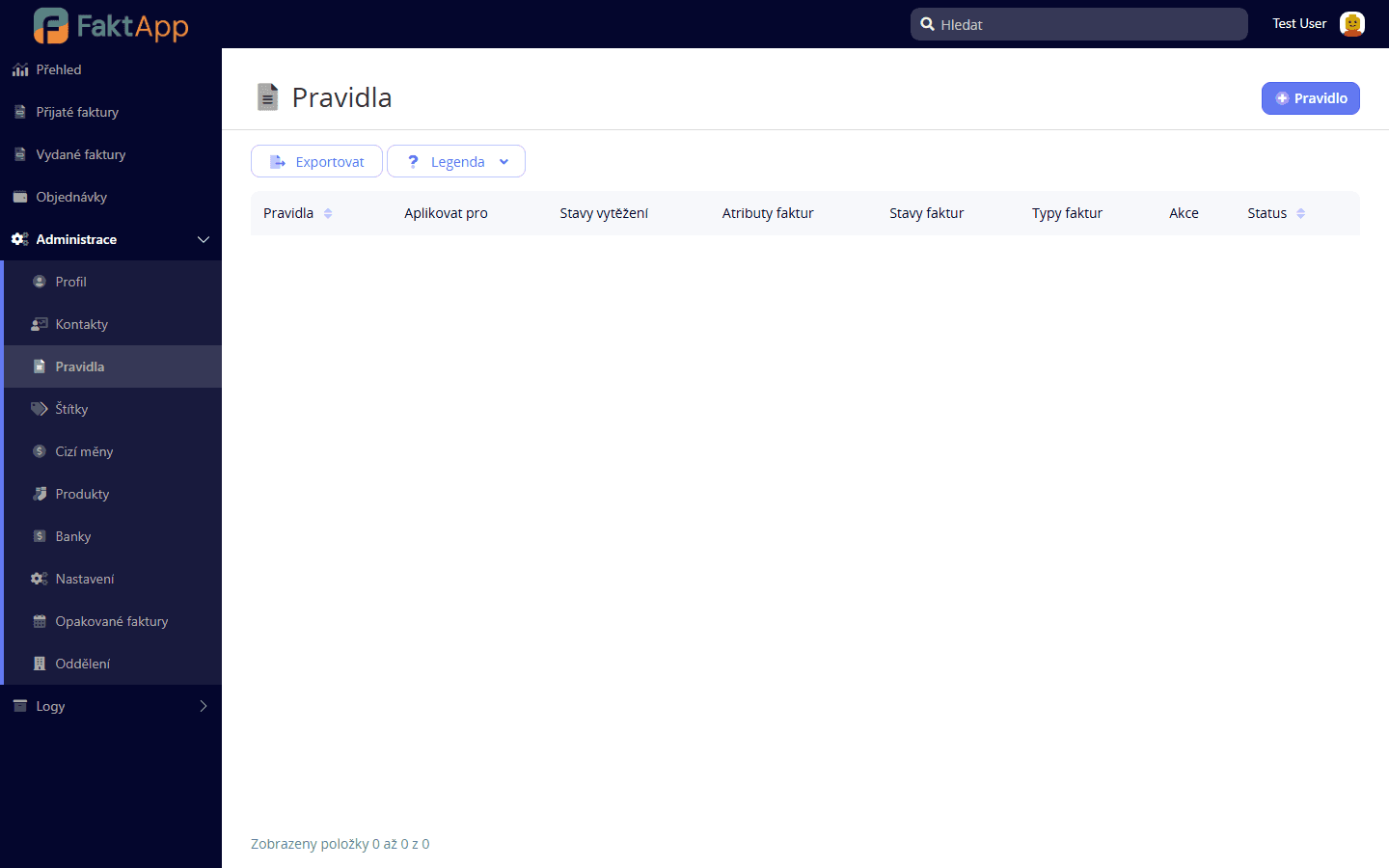
The Rules module is a simple rule engine that reacts to events on invoices and contacts and runs predefined actions — for example, automatically tag an invoice based on the supplier, or fire an external API call when an invoice state changes. Create a rule in Administration → Rules: select the action type and scope (which entity it reacts to), set conditions, and activate. Before activation, use Save and test changes to simulate on sample data.
Products (price list)
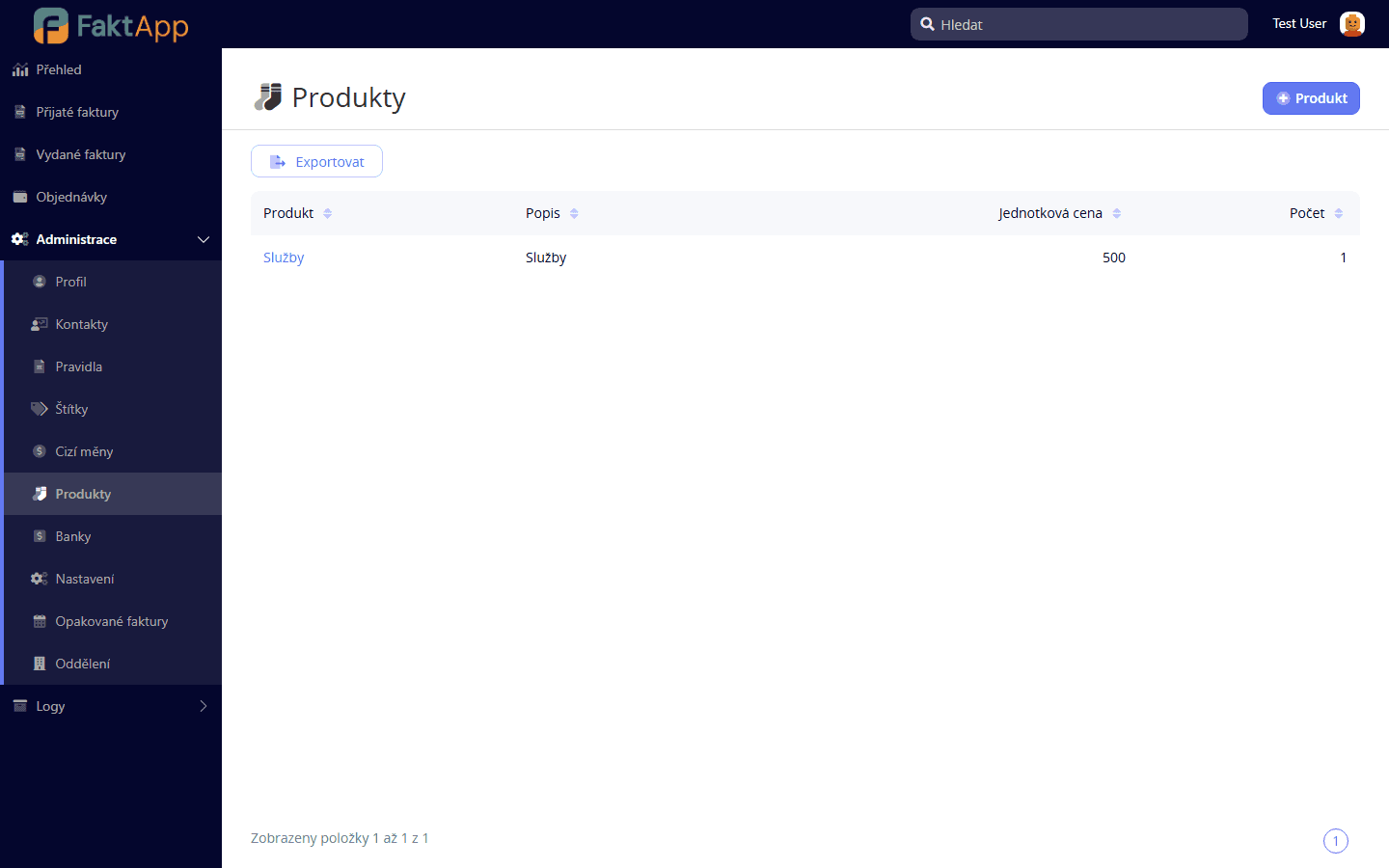
Products are predefined items with a name, unit, price, and VAT rate. When creating invoice or purchase order line items, you pick them from the list instead of filling in by hand. Add a product in Administration → Products by filling in the name, unit price, unit (piece, hour, package), and VAT rate.
Foreign currencies and exchange rates
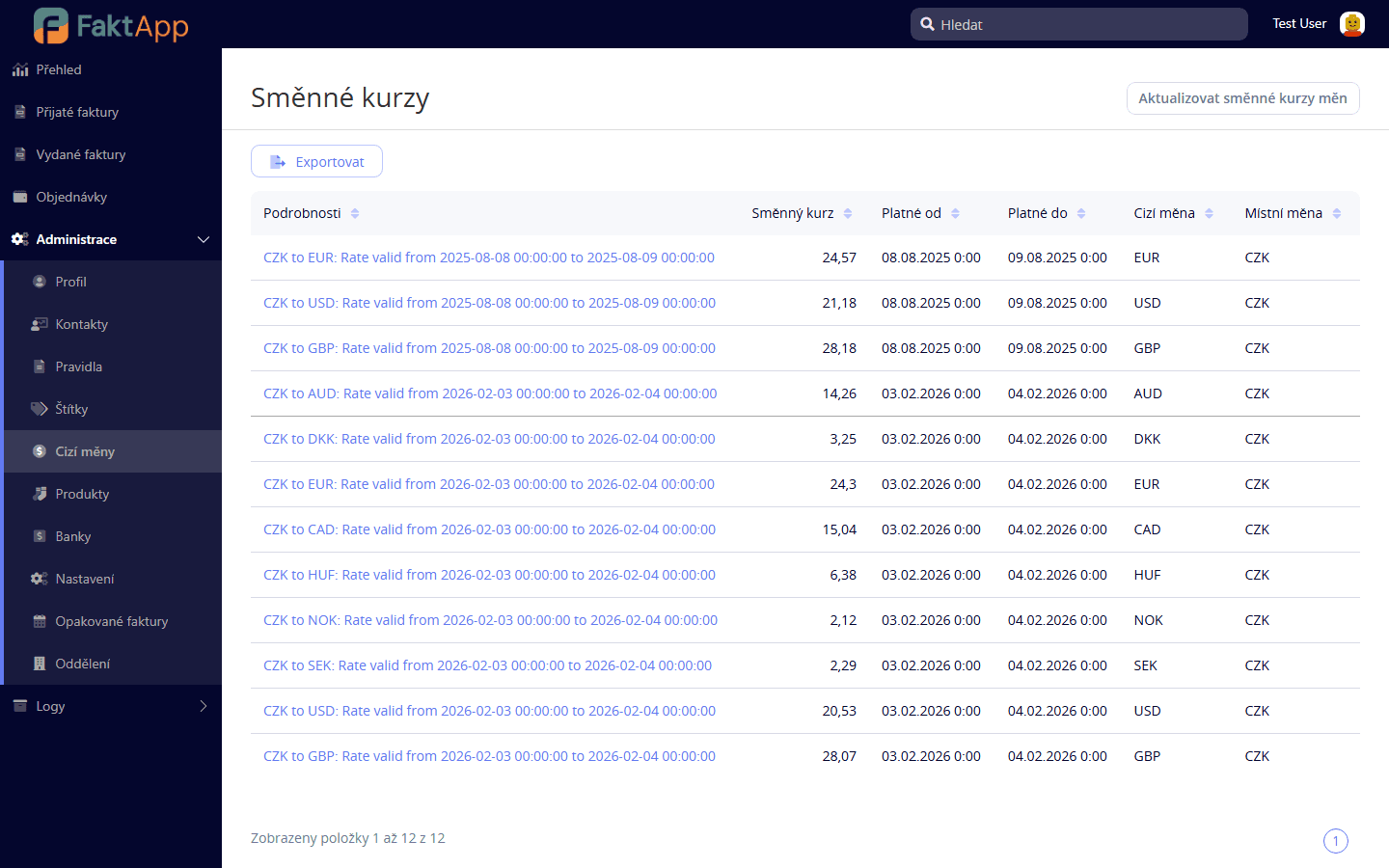
FaktApp supports invoices in foreign currencies. Rates are maintained in the Currencies codebook — either manually by adding a record with a validity date, or by a scheduled job that downloads current rates from the Czech National Bank. When an invoice is issued, the rate is saved as a snapshot, so a later change in the rate list does not affect existing invoices.
Tags and departments
Tags are used for color-coded labeling of invoices for quick visual categorization — for example urgent, to review, claim. Departments represent the internal structure of the organization, and invoices can be assigned to a department for reporting and filtering. Both modules are optional — leave them empty if you don't need them.
What the module doesn't support yet
Multi-organization within a single instance (one Settings record per instance), configurable invoice numbering sequences from the UI, and SMTP configuration in the UI (mail server config lives in the infrastructure, not in Administration) are not available. Under developer permissions, a New Settings page may appear in the menu — it is under construction and not meant for customers. The Dispatch to AbraFlexiBee action on invoices is non-functional in the current version (implementation missing), use Pohoda XML export or iDoklad dispatch instead.